

1
Create an account
Create an account on our Developer Portal or sign in to your existing account.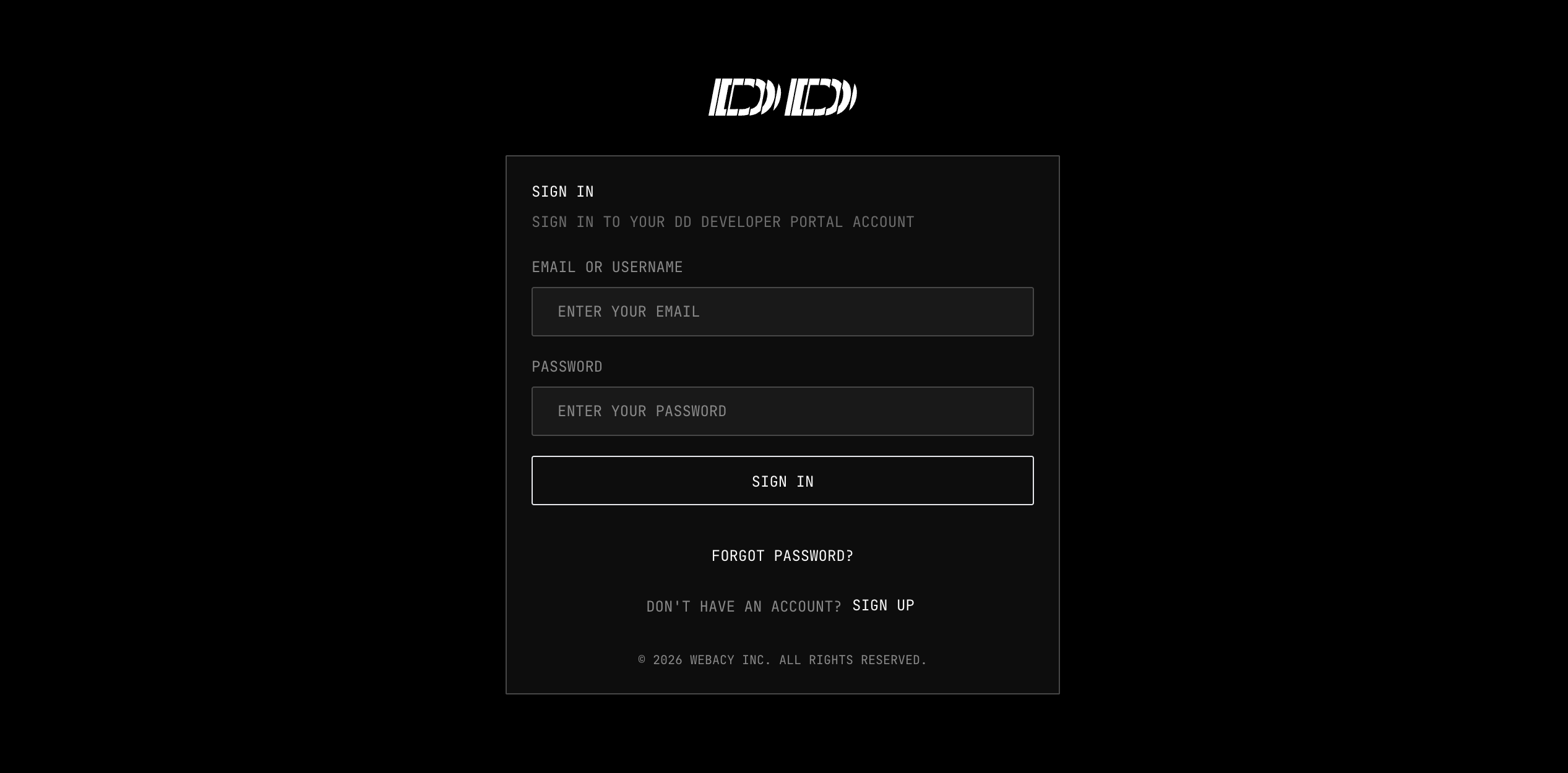
The Developer Portal requires a work or organization email address to register. Personal addresses such as Gmail, Yahoo, or Outlook are rejected during sign-up with the error
Please use your organization's email address to register. Personal email addresses are not permitted. If you do not have an organization email, contact info@webacy.com to request access.2
Navigate to API Keys
Once you are signed in, open the developer dashboard and navigate to API Keys.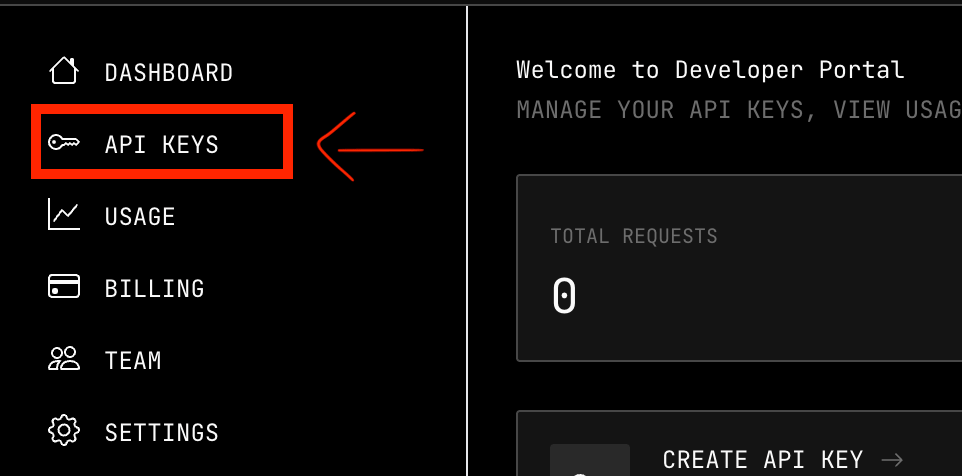
3
Generate your API key
From the API Keys page:
- Select + Generate API Key.
- Securely store the generated key.
4
Start Testing!
Rotate or revoke your key
Self-service rotation and revocation are not yet available in the Developer Portal (see the coming-soon list below). Until they ship, use the following interim workflow. To rotate a key:- In the Developer Portal, open API Keys and select + Generate API Key to create a new key.
- Update every application, environment, and stored secret to use the new key.
- Stop sending the old key. Requests with the old key continue to succeed until Webacy revokes it, so cut all traffic over before requesting revocation.
- Complete the rotation steps above so live traffic is on the new key.
- Email info@webacy.com or use the contact form with the key ID (never the full secret) and request revocation. Webacy revokes the key on your behalf.
What’s Next
Authentication
Learn how to authenticate your API requests