

1
Navigate to DD.xyz
Navigate to DD.xyz
2
Log In or Sign up to DD.xyz
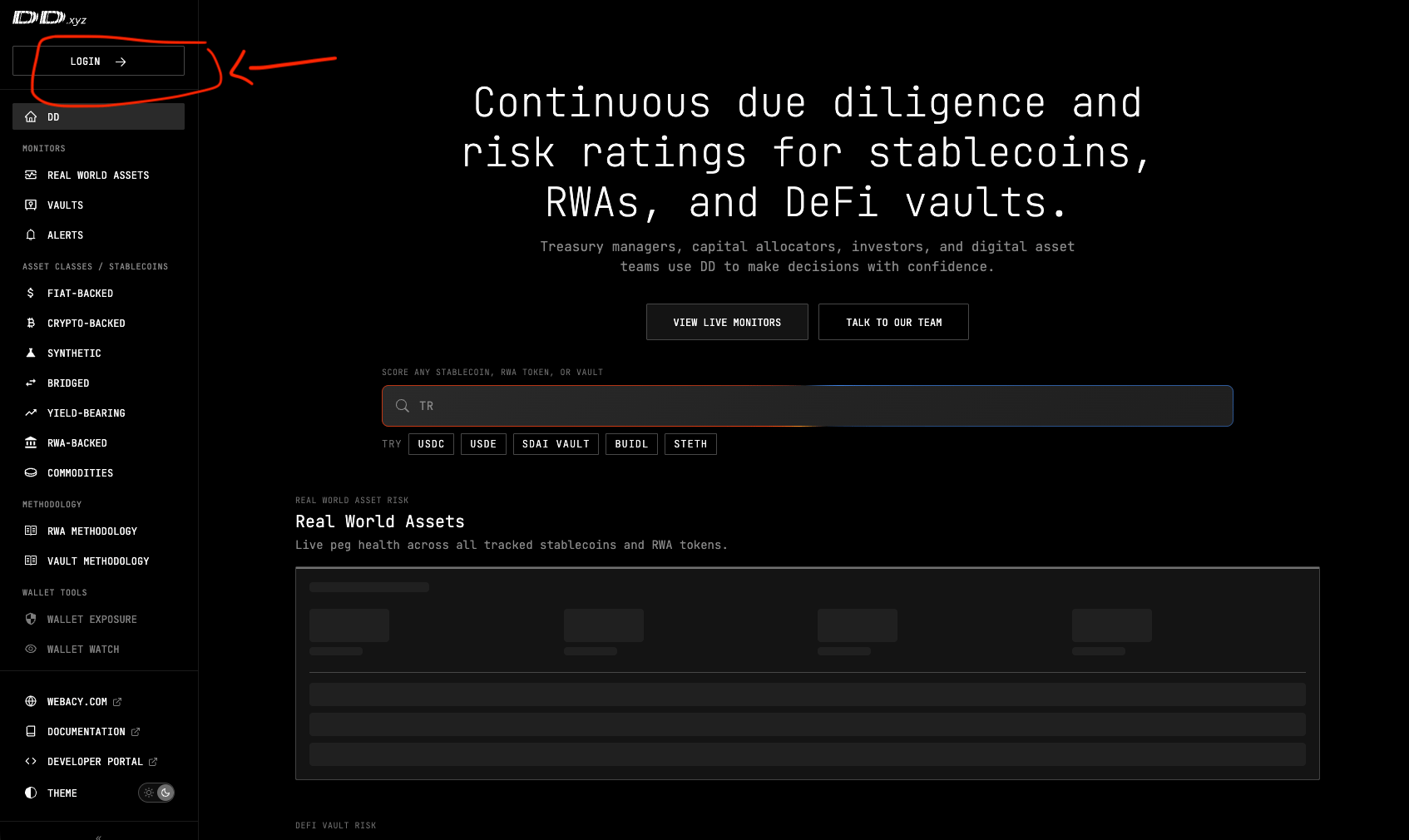
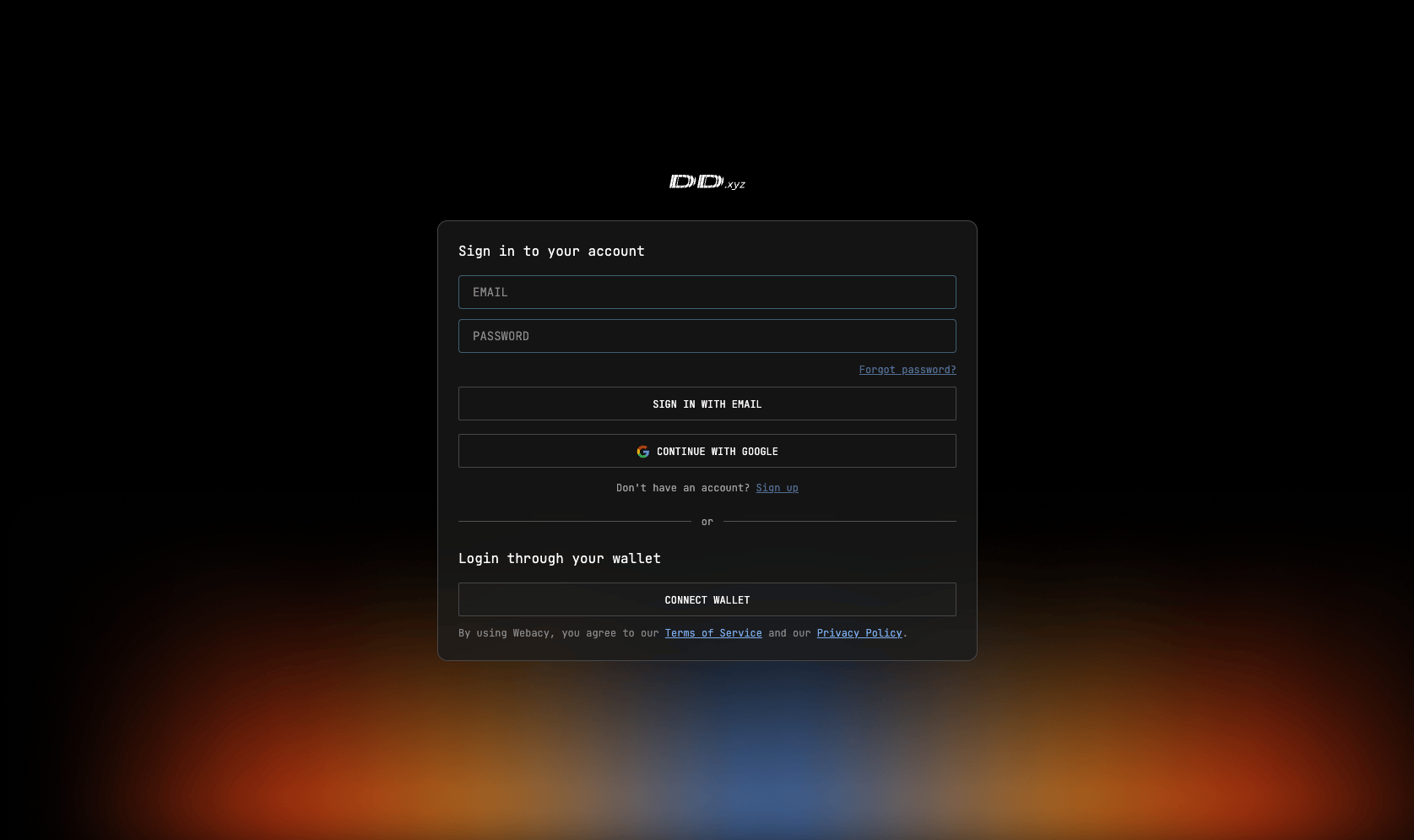
3
Navigate to the Subscriptions page
On the bottom left, click your profile and you’ll see an additional menu appear. Navigate to the “Subscriptions” page. 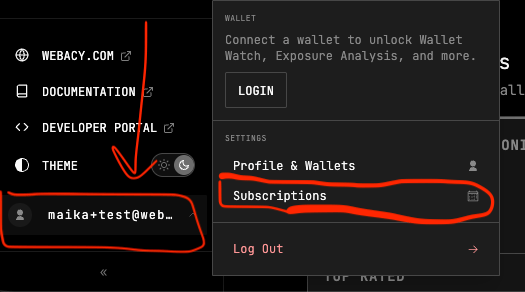
4
Upgrade your subscription tier
Click “Upgrade” on your chosen subscription tier. This will navigate to a Stripe checkout page.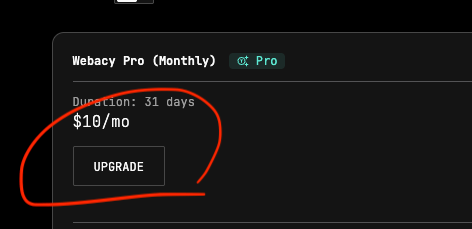
5
Add Promotion Code
On the checkout page, click the “Add promotion code” box. 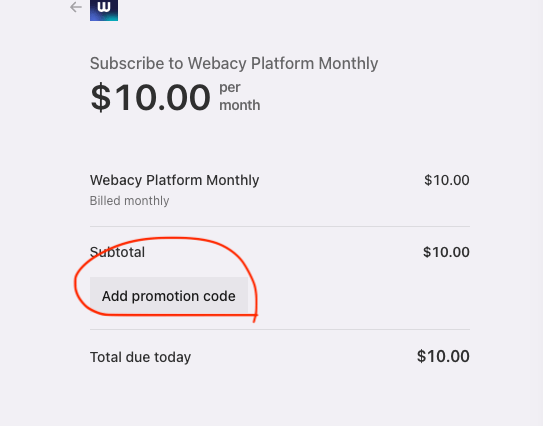
6
Complete Upgrade
If successful, you will see the promotion applied. Congratulations! You are now Webacy Pro 🎉
Troubleshooting
If your promo code is not being accepted or the discount is not appearing at checkout, there may be several possible causes. The code may have been entered incorrectly, expired, reached its usage limit, be restricted to specific plans or account types, or already have been redeemed on your account.- Double-check that the code has been entered exactly as provided, including any capitalization or special characters, and verify that you are applying it to an eligible Webacy Pro subscription.
- If you recently received the code, try refreshing the page and reapplying it, or signing out and back into your account before attempting again.