> ## Documentation Index
> Fetch the complete documentation index at: https://docs.webacy.com/llms.txt
> Use this file to discover all available pages before exploring further.
# Get an API Key
> Step-by-step guide to creating a Webacy Developer Portal account, generating your first API key, and configuring access to the risk intelligence APIs.
To start using the Webacy DD APIs, you’ll need an API key associated with your account.
Your API key authenticates requests to Webacy and determines which products, usage limits, and environments your account can access.
Create an account on our [Developer Portal](https://developers.webacy.co/) or sign in to your existing account.
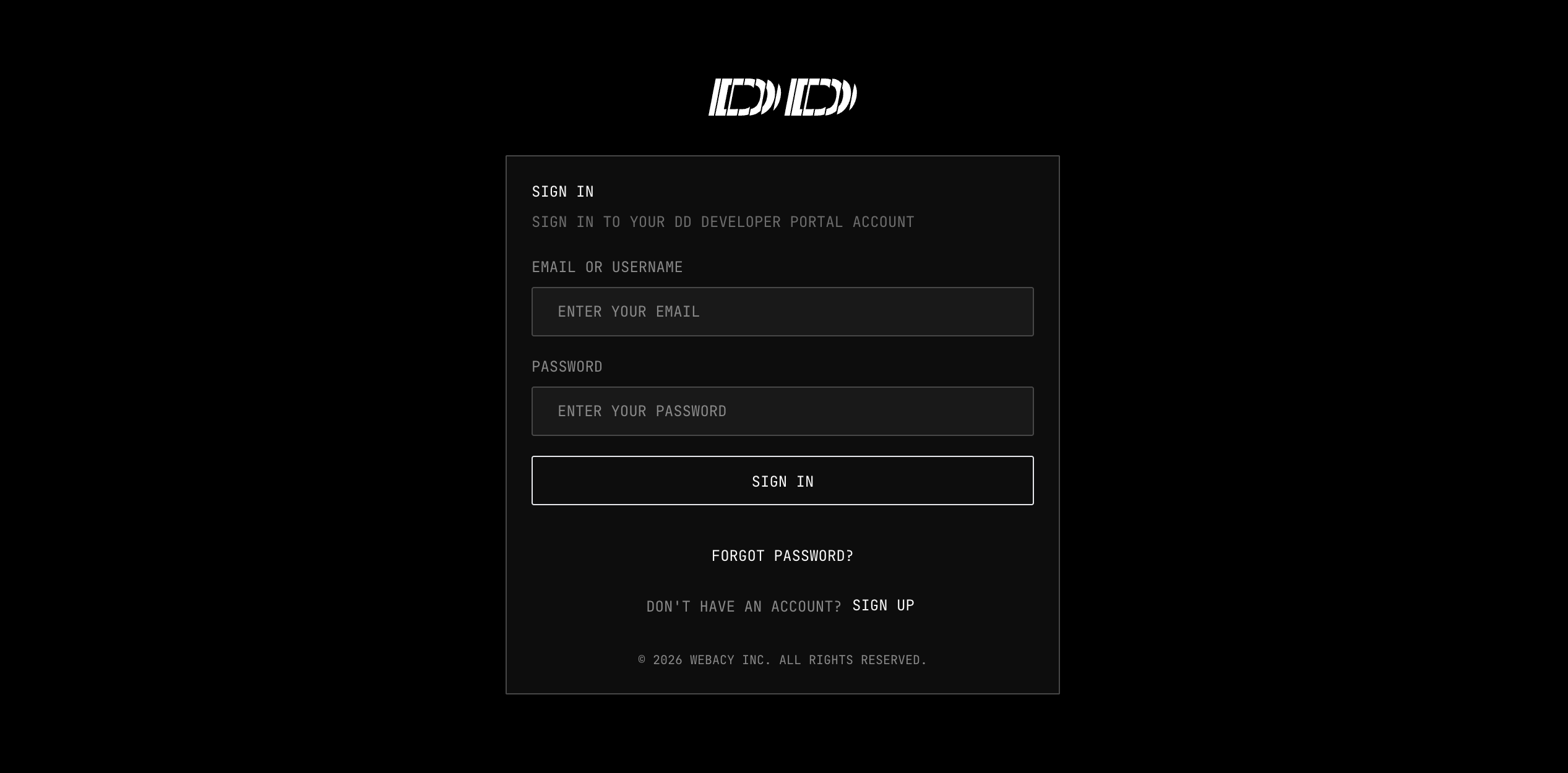 Once you are signed in, open the developer dashboard and navigate to **API Keys**.
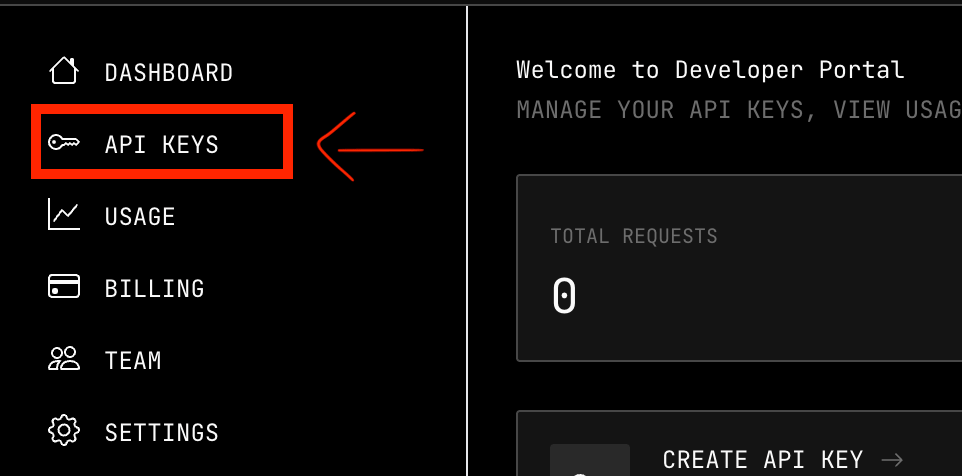 From the **API Keys** page:
1. Select **+ Generate API Key**.
2. Securely store the generated key.
From the **API Keys** page:
1. Select **+ Generate API Key**.
2. Securely store the generated key.
 **Keep Your Key Secure!**
Treat your API key like an important password.
Do not:
* expose it in browser-side code
* commit it to a public repository
* include it in screenshots, logs, or support messages
* share the same production key across unrelated applications
If your key is exposed, anyone can use your API key as you. You will be responsible for all usage costs, limits, and impact caused by the exposed API key.
**Use Separate Keys for Each Environment**
We recommend creating different keys for:
* local development
* staging
* production
* separate applications or internal teams
This makes it easier to monitor usage, rotate compromised credentials, and revoke access without interrupting every integration.
Our developer Portal is currently under construction.
The following features are coming soon:
* Rotate API Key
* Revoke / Delete API Key
* Create Multiple API Keys
* Team Management
* RBAC
Want additional features? [Contact Us](https://dapp.webacy.com/contact).
## What's Next
Learn how to authenticate your API requests
**Keep Your Key Secure!**
Treat your API key like an important password.
Do not:
* expose it in browser-side code
* commit it to a public repository
* include it in screenshots, logs, or support messages
* share the same production key across unrelated applications
If your key is exposed, anyone can use your API key as you. You will be responsible for all usage costs, limits, and impact caused by the exposed API key.
**Use Separate Keys for Each Environment**
We recommend creating different keys for:
* local development
* staging
* production
* separate applications or internal teams
This makes it easier to monitor usage, rotate compromised credentials, and revoke access without interrupting every integration.
Our developer Portal is currently under construction.
The following features are coming soon:
* Rotate API Key
* Revoke / Delete API Key
* Create Multiple API Keys
* Team Management
* RBAC
Want additional features? [Contact Us](https://dapp.webacy.com/contact).
## What's Next
Learn how to authenticate your API requests